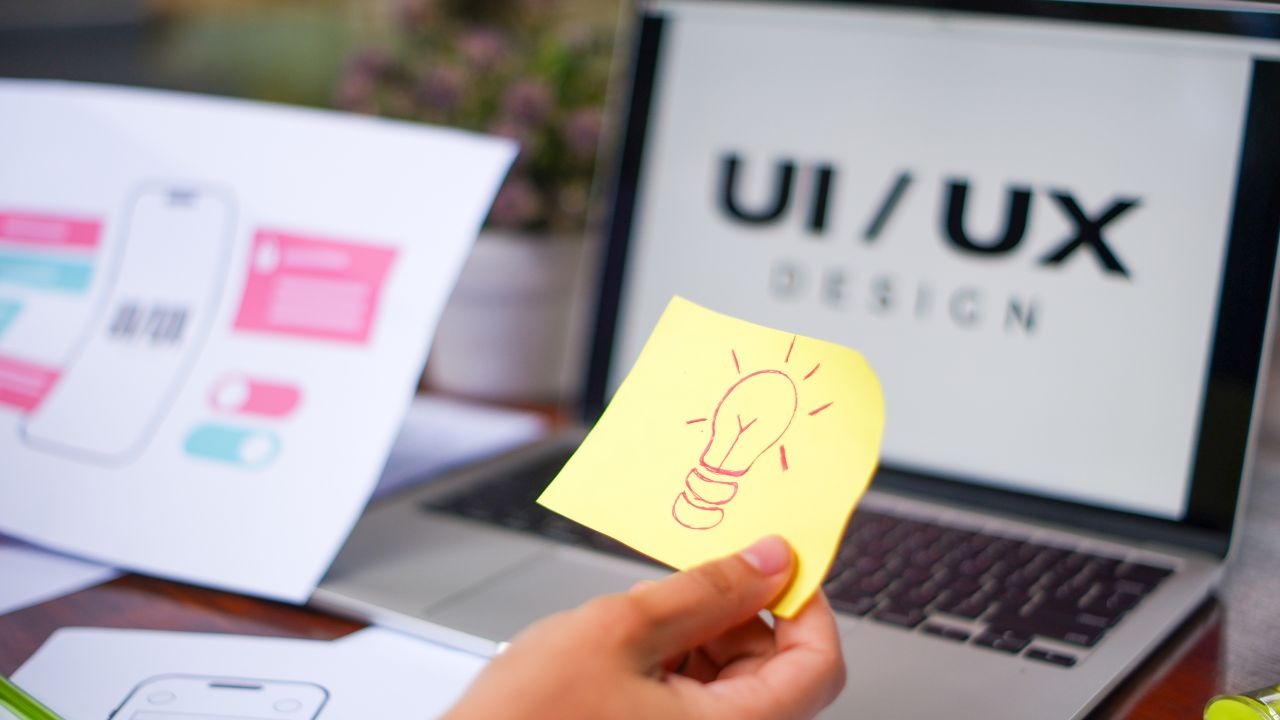


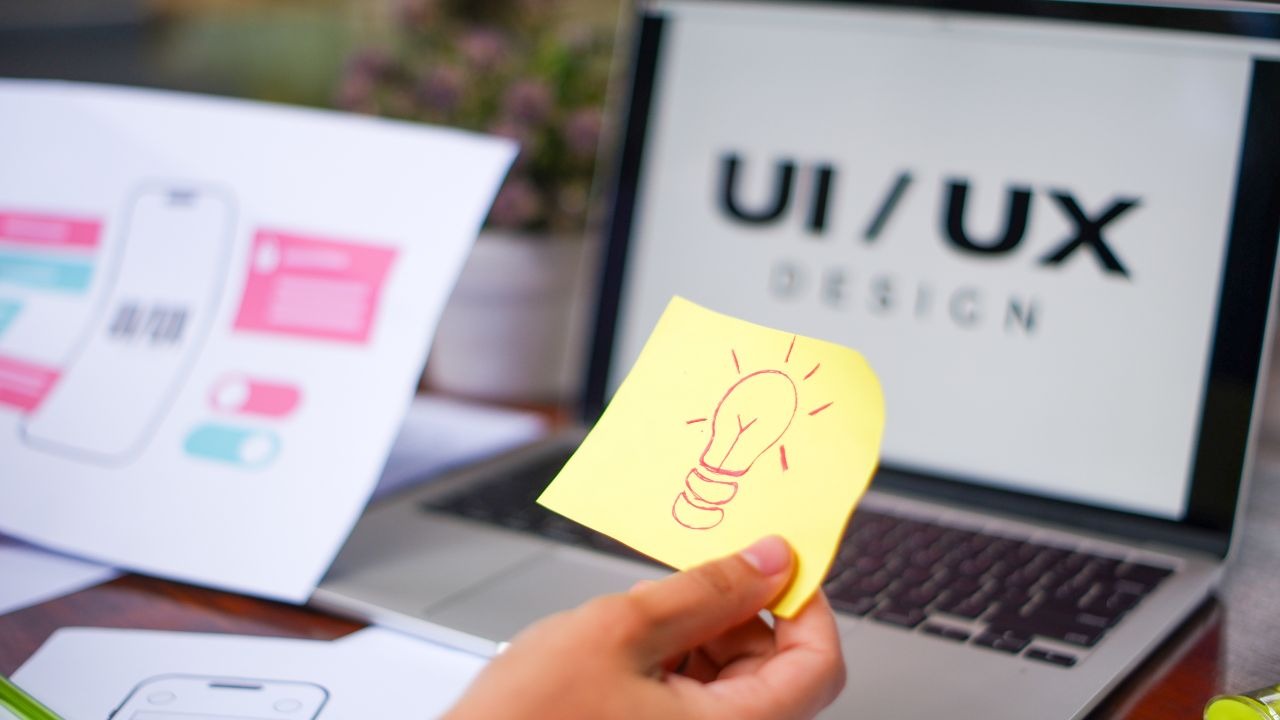
A website is often a business's first point of contact with potential customers. Whether searching locally for a similar service, comparing local suppliers or booking a consultation, their visit to your website will determine whether they contact you or return to the search results.
This is where the principles of user interface (UI) and user experience (UX) design come into play. UI design focuses on the appearance of a website, such as its colour and layout. UX design focuses on a visitor's journey, ability to find what they need and get things done on your website
1. Simplify Your Website Navigation
You want a potential customer to be able to understand the purpose of your website and be able to find the information they need. If they cannot find a specific page, or the information is unclear, then they are likely to visit a competitor's website.
Streamline the primary navigation and group related topics and pages together. A consultancy in London, for example, may want the following menu items: Services, About, Case Studies and Contact
Tips for Improving Your Website Navigation
- Use simple and intuitive menu titles and items.
- Keep your most important pages accessible at the top level of your navigation menu.
- Display contact information prominently and make sure it is easy to find.
- Use breadcrumbs on larger websites to give visitors helpful context.
- Avoid disruptive pop-ups.
A great way to test your navigation is to ask a stranger who is not familiar with your business to find a certain page or request more information. You will be able to quickly see what potential pain points they encounter.
2. Create Effective Calls to Action

A call to action (CTA) is a prompt that encourages a website visitor to act, such as "Request a Quote", "Book a Consultation" or "Get in Touch". Some businesses make the mistake of including multiple CTAs per page, confusing the visitor. You want them to know what you want them to do next. For a small business targeting London-based customers, a CTA such as "Request a Free Consultation" may be more effective than the generic "Click Here", assuming you offer a free consultation.
3. Ensure Responsive Design
Customers tend to browse local services or products on their mobile phones while travelling or waiting in line. Mobile-friendly and responsive design is vital to give a seamless experience for mobile visitors. You do not want to lose potential leads due to unresponsive design or difficult-to-use CTAs on small screens.
Responsive design uses fluid layouts and flexible elements to adapt a website to different screen sizes.
Questions to Ask When Testing Responsive Design
- Is the text easy to read without zooming?
- Are the buttons spaced far enough apart on small screens to avoid accidental clicks?
- Are your forms short and easy to complete?
- Can phone numbers be clicked to call?
- Do the images appear correctly on smaller screens?
- Is important information easy to find without excessive scrolling?
You should test the mobile version of your website on actual mobile devices and not just your desktop computer. Pay particular attention to forms and the booking process - any inconvenience can lead to lost sales.
4. Focus on Building Trust Through Visual Design
Your website's appearance plays a significant role in influencing potential customers and encouraging them to request a consultation or complete an online purchase. A professionally designed website conveys credibility and makes customers feel confident dealing with your business. However, make sure that your website does not use flashy graphics and animations that distract from the message and your value proposition.
A creative design studio can help businesses develop a visual identity that reflects their services and appeals to their target audience. Consistent colours, typography and imagery can also help to create a recognisable brand across your website and marketing materials.
5. Enhance Your Page Speed and Avoid Unnecessary Complexity
A small business's website should be intuitive and uncomplicated, not requiring excessive effort to achieve a simple goal. Websites with slow speeds can frustrate customers and make them leave before completing a purchase or submitting their enquiry. Poorly optimised images, unnecessary animations and plugins can interfere with your page speed. Always utilise compression and the correct image formats when optimising your website.
You should not solely rely on your own computer to test how quickly your website loads - use page speed tools such as Google's PageSpeed Insights to determine how your customers may experience your website.
Forms are also important when optimising your website. You want to encourage visitors to provide their information, so only ask for details you need at the point of enquiry or purchase. For example, a simple contact form asking for a customer's name and email address is less likely to put off a prospective customer than a form with multiple required fields.
6. Consider Accessibility
An accessible design helps to reach a bigger audience, including those who may have difficulty using your website. Always utilise sufficient colour contrast, descriptive links, image alt tags and accessible form fields. Make sure that your website can be used effectively by people who navigate with a keyboard and follow standard heading structures.
Avoid using colour alone to convey information, such as indicating errors on a form - always provide alternative ways to communicate this information.
7. Measure and Analyse Conversions
UX and UI design are continuous processes - you should monitor your website's performance and make improvements after launching your website. There are multiple ways to measure conversions and monitor the performance of your website, including tools such as Google Analytics 4. This tool enables you to track specific actions taken by your visitors, such as completing a form, purchasing a product or booking a service.
Heatmapping and session replay services can also help to understand how visitors interact with your website, although you should make sure that you comply with relevant privacy requirements before using these services.
UI/UX Principles and Conversion Benefits
| UI/UX Principle | Improvement | Conversion Benefit to Investigate |
|---|---|---|
| Clear navigation | Simplify website menus | More visitors find what they are looking for |
| Strong CTAs | Make the next step obvious | More visitors request quotes or consultations |
| Mobile usability | Improve mobile buttons | Fewer usability issues for mobile visitors |
| Faster loading | Optimise images | Fewer interruptions for mobile visitors |
| Accessible design | Improve colour contrast | More visitors can access and read your information |
| Measurement | Track conversion rates | Better-informed design improvements |
Remember that these are possible benefits and the actual impact will depend on your audience, the nature of your offer and the overall experience of your website.
How Can a UI/UX Design Service Help Your Business?

A professional UI/UX Design Service can help your business tackle usability issues, optimise page layouts and create a more logical customer journey. It can help you to align your website with your business goals - whether that is driving more leads, selling products or encouraging online bookings.
When choosing a design partner, ask whether they have a clear process for understanding your audience, analysing your current pages, planning the customer journey, designing, testing and measuring the impact after launch.
Practical Takeaways
Improving conversions does not always require a complete overhaul of your website. To begin with, consider making your website easier to navigate and helping visitors find what they are looking for.
- Simplify your website layout so that customers can understand what you do at a glance.
- Ensure that each page has a clear purpose and appropriate call to action (CTA)
- Make your buttons, forms and other interactive elements compatible with mobile users.
- Enhance your page speed and remove unnecessary steps
- Create a consistent appearance throughout your website, using visual elements such as animation only when they add value.
- Make sure that your website is accessible to people with different needs.
- Investigate the actions that your visitors are taking to identify opportunities for further improvements.